It took some some coaxing for Meliorn but Raphael showed him The Phantom of the Opera and it kinda snowballed from there.
Obvs Meliorn’s faves are musicals
Yes, he loves likes Disney movies.
Which Raphael always (lovingly) gives him shit for.
Meliorn and Isabelle often go to Halloween parties as Disney couples.
Izzy’s favorite was when they went as Mulan and Shang. (Which is Isabelle’s favorite Disney princess btw)
Raphael is only too happy to stay at home for. Though the other two can occasionally convince him to go if they come up with a good enough costume idea.
Back to movies.
Raphael has followed Star Wars since the beginning.
He gets Isabelle into them fairly easily. (She totes has a major crush on Leia. Obvs.)
Meliorn finds them interesting but he’s not as heavily invested in them as the other two.
Isabelle also unironically loves The Fast and The Furious franchise.
For the life of them, Raphael and Meliorn can’t figure out why. (Though they’re fairly sure it has something to do with her competence kink.)
Isabelle also loves horror/thriller. More paranormal than slasher films. She does get a little jumpy afterwards though. Something Meliorn takes full advantage of.
Raphael isn’t particularly fond of them. Despite being a big bad vamp the paranormal ones really creep him out. The slasher/gore ones are just unsettling.
Meliorn doesn’t take advantage of Raphael’s nerves after that one time Raphael had him pinned to the wall before he could blink.
Yes, they’ve watched the Twilight franchise because Clary let a reference slip about sparkling vampires one time and naturally Isabelle just had to submit everyone to it.
Raphael didn’t let her pick any movies for months afterwards.
Meliorn secretly kinda liked it.
That’s it for now cuz I’m tired and it’s super late.
These are a list of the things I most desperately need, which is mostly stuff to get food but also my wrist splints (It’s part of the reason I haven’t written today):
Gift cards to restaurants (especially if they are Wendy’s or Denny’s) to eat at when we don’t have our own food
Gift cards to Walmart to buy food/warm clothing/disposable underwear/the wrist splints I need
Gift cards to Starbucks to get coffee/food so we can stay for long periods when we can’t go to the library
offer fic and graphics commissions, @strangelock221b has offered fic and @equusgirl have offered gifs in exchange so please, take us up on offers but help us get through this month?
Examples of my work. I know it’s only Shadowhunters but I can do almost anything, given time to get source material.
I’m going to cry now, but it’s happy tears! In an update to this reblog of the post, we have the overdraft covered as well as gas and a little for food (depending on how much the gas costs). So the two emergencies are taken care of, and tomorrow my mom and I can go get our mail in Oceanside and see if there’s anything from the housing department for me since we’ll have gas.
Tonight one of the local churches is providing a hot meal to those in need so we can go to that since we have gas now, so we’ll also definitely have one hot meal today. So today I can take a break from worrying and tomorrow hopefully there will be good news.
To update the update: we had nearly $40 to put into the van and it gave us between ½ and ¾ of a tank. That’s how empty it was. So there’s nothing left over for food, and not quite a full tank. But it’s better than near E.
Also, we saw this at the library today:
So we need to figure out a place we can bunker down for the daylight hours on THOSE two days. Option A is a hotel room Thursday to Saturday. Option B is a ton of movies at a movie theatre, I guess? But I have to figure out something to do those days where the cats can be cool during the day when it’s still warm. Help or suggestions would be greatly appreciated.
Ugh. I completely forgot to take my meds when I got my dinner from the church and I still need to take my evening meds. Any chance I can get 2 or 3 coffees to run into Denny’s and get something off the $2 – $4 – $6 – $8 menu? I need something with protein and there’s a fried cheese melt that’s $4, and for $6 I can get fries. I have been so bad at remembering my meds lately and if I’m sick I’m in the back of the van and it’s hard to get out. Thank you!
I’m going to open three (3) commission slots in support of my good friend here.
I will knit or crochet a small item- a hat, gloves/mittens, baby
garments, or a larger baby blanket (approx. 24″ square) at the prices
below (yarn and colour negotiable). Note. for the blanket, crochet only
at this price. For any other requests please ask me directly and I’ll
see what I can do. Will ship internationally (from UK), no added cost.
No guarantee of delivery before Christmas.
Hat or gloves: £10 Baby cardigan: £10 Baby set (hat, mittens, booties): £15 Baby blanket: £25
Chopping off more of the reblog, but two things:
I had to buy new disposable underwear, a new pair of shoes (my used ones don’t fit, for some reason, but my mother may be able to use them) and a pair of pants last night because of a bladder accident, as well as the food, so it cut into the hotel room money. Thankfully food is completely taken care of now, but we still need to get the room covered and I need $60 for that.
If you have donated money, please take advantage of the offers of my friends! If you tell them you want something just give them the name on your PayPal account and I can definitely verify you donated money since I keep all the emails. Or if you want fic from me, I’d be glad to provide it.
I reminded my mother my nerve conduction test in San Diego for the carpal tunnel problems/knee problem post-accident is on the 21st, and my mother said we’ve dropped down to ½ a tank and need more gas. If I use the money we have we’ll have less than $20 left to put towards the hotel room on Thursday, but this is a pretty important appointment as my rheumatologist can more effectively treat the carpal tunnel than my GP and since using a computer is part of what makes my livelihood at the moment I need to make this appointment on Wednesday. Any help would be greatly appreciated covering the gas cost as well as the $60 towards the hotel room (my mom’s back is killing her and she’s dreaming of the bed).
Hello! Still offering gifs/graphics as gifts for donating!! Examples of gifs here. I know it’s like all Shadowhunters but I can do other media. Slide into my dms and we can work something out!
I’m not even slightly kidding my favorite set story of ALL TIME is Torchwood cast filming Countrycide. Burn gets drunk and tries to steal a bathtub. Gareth gets a concusion. Nudity. It has everything.
Yes, we haven’t done this in a while… but our inbox and chat are swamped with questions on the subject, so this article was very much needed.
it’s a simple list of art apps, but we know you love those 😀
Enough with the intro, here it is, a list of twelve art apps you may want to check out.
ArtRage is an art program for beginners and professionals. With its minimal interface, it’s easy to keep the essential tools at hand without stealing space from the canvas. Panels can be moved around and tools can be customised. We all know how important it is for digital artists to be able to modify brushes!
Pros: easy to use; friendly interface; essential tools from professional apps available; available for iOS, Android, Windows and Mac
Cons: it may get sluggish with big files and when using big brushes, but performances also depend on the running machine; limited selection of editing tools if compared to Photoshop – ArtRage is more of a painting program rather than an editing one.
Paid
ArtRage Lite is a different version at a cheaper price, mostly for beginners, but also for professionals if they need the essential.
Now free, Sketchbook is the famous app created by Autodesk for various platforms.
Pros: clean, friendly interface; easy to use; professional features
Cons: lack of official tutorials; doesn’t offer as many tools as other apps (it’s down to the essential); paid subscription in Adobe style for the pro version
Free and paid
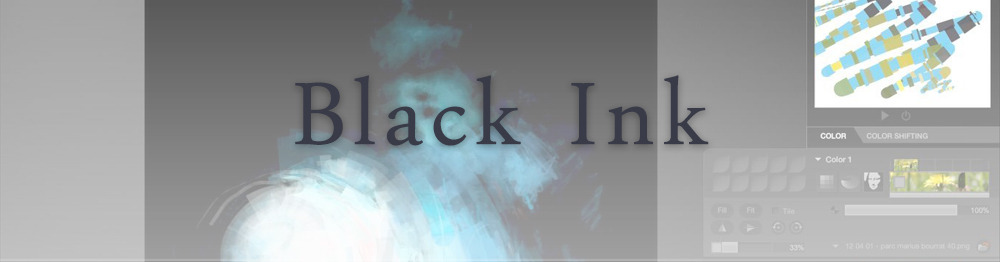
Black Ink is a powerful little program few actually know, but there’s a reason: this isn’t your classing drawing app. What’s cool about it is the vast selection of special brushes, completely non-realistic, and definitely able to boost your creativity.
Pros: vast selection of customisable brushes; excellent performance
Cons: not very easy to use; non-intuitive interface
Paid
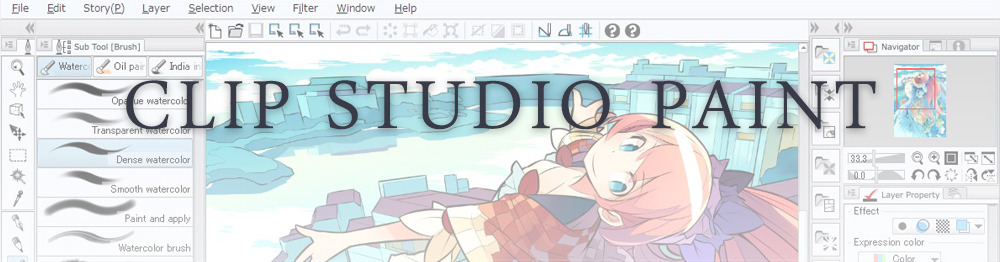
This is probably the most complete software for painting, drawing and animation. It was originally known as Manga Studio, but with its updates and addition of features, it became Clip Studio Paint.
This doesn’t say much about the quality of the features themselves considering the affordable price (if you haven’t used the app yet, that is), but among graphic apps, this one is the top seller.
Pros: professional features for illustrators; layout tools for comic/manga artists; 3D reference models; customisable tools; various sales with special prices
Cons: the interface may not appear intuitive at first; the program may lag (again, performance also depends on the running machine)
Paid
GIMP is the famous open source image editor originally created for GNU/Linux and available for OS X and Windows.
Best known as Photoshop’s main competition, this is a manipulation program for both beginners and professionals who love design.
It offers many professional features, making the program a powerful tool.
Pros: professional editing tools; supports different formats; supported by different platforms; active community
Cons: in spite of the simple design, many options are hidden and it takes time to discover all the features; slow startup
Free
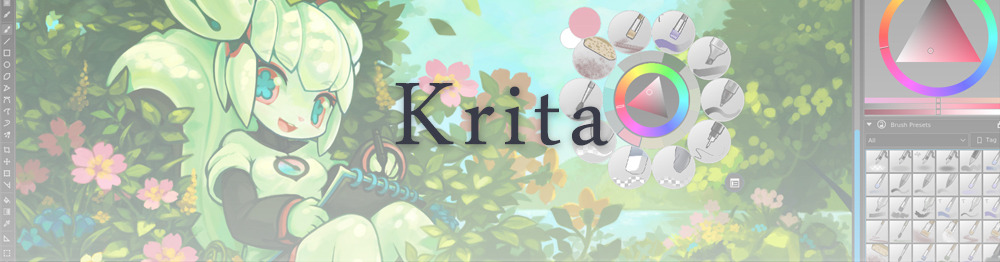
Krita is an open source painting app created by artists for artists.
Pros: easy to use; intuitive interface; great brush workflow; brush stabilizer; customisable brushes; general good performance; very enthusiastic, although small, community
Cons: it may be slow or even crash depending on the running computer and the app’s version; very few editing tools compared to Photoshop
Free
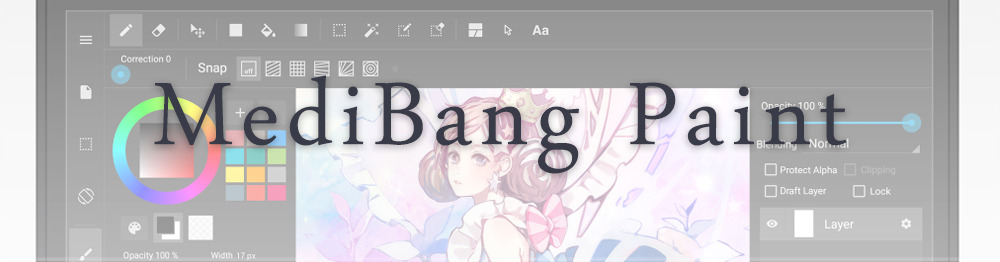
MediBang Paint is a free and light app for drawing and painting, perfect for manga and comic creation.
Pros: vast selection of brushes; cloud sharing; friendly, minimal interface (non-desktop app); also available for iPad, iPhone and Android
Cons: requires an account to use all features; non-intuitive interface (desktop version)
Free
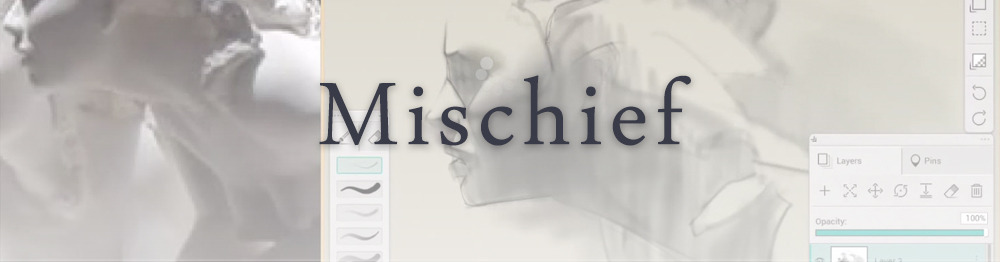
Mischief is a sketching app with essential tools, useful for brainstorming and ideation.
Pros: infinite drawing canvas; friendly interface; easy to use; cheap pro version
Cons: few updates; offers only the essential (but that’s the point); no editing/adjustment tools
Free and paid
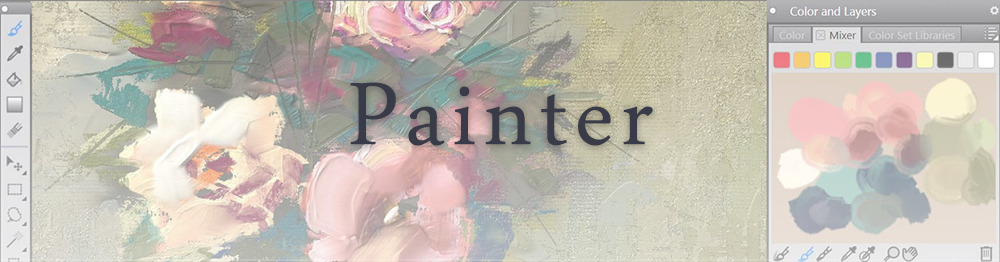
Corel’s jewel, Painter is the most famous software that offers digital tools able to give a traditional feel to brushes and canvas.
Pros: different selection of media; many professional features; PS-friendly
Cons: certain brushes may work slow; not easy to use at first; the software may crash (this is the most common report); pricey
Paid
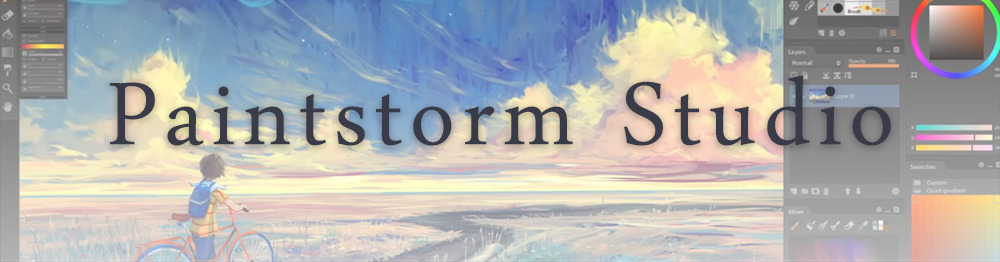
Paintstorm Studio is a professional software for digital painting. It’s focused on the use of brushes and blending, which makes the software a little gem in the digital painting field.
Pros: good brush workflow; brush stabilizer; “close gap” feature; customisable interface and tools; professional features; affordable price
With the very sensitive Apple Pencil, Procreate is so easy to use that many artists chose the iPad over the most famous graphic tablets.
Pros: friendly interface; makes it easy to organise files; excellent brush workflow; customisable brushes; video recording; affordable price
Cons: hidden features; only available for iPad
Paid
SAI is a simple app for artists who want to focus on painting and drawing.
It’s well known for its good pressure support and its essential tools for manga artists, but SAI can be used by any kind of artist who wants to paint.
Pros: easy to use; friendly interface; light software; customisable brushes; tons of (non-official) tutorials
Cons: limited selection of tools, even basic ones; limited canvas sizes and uses; it might crash from intensive work, especially with big canvases and brushes; supports only RGB colour mode; lack of support
Paid
We hope you’ll find this list useful.
If you think there are other apps that should have made this list, don’t hesitate to let us know!







 EquusGirl's Tumblr